Your child's privacy,protected by design.

End-to-end encrypted
Your child's information is end-to-end encrypted across devices.

No ads, ever
Cybertot doesn't use your child's data to serve advertisements.

Only what we need
Your child's details stay private, we don't ask for phone or email.

Privacy comes first
Your family's privacy is part of every decision we make.
How Cybertot works

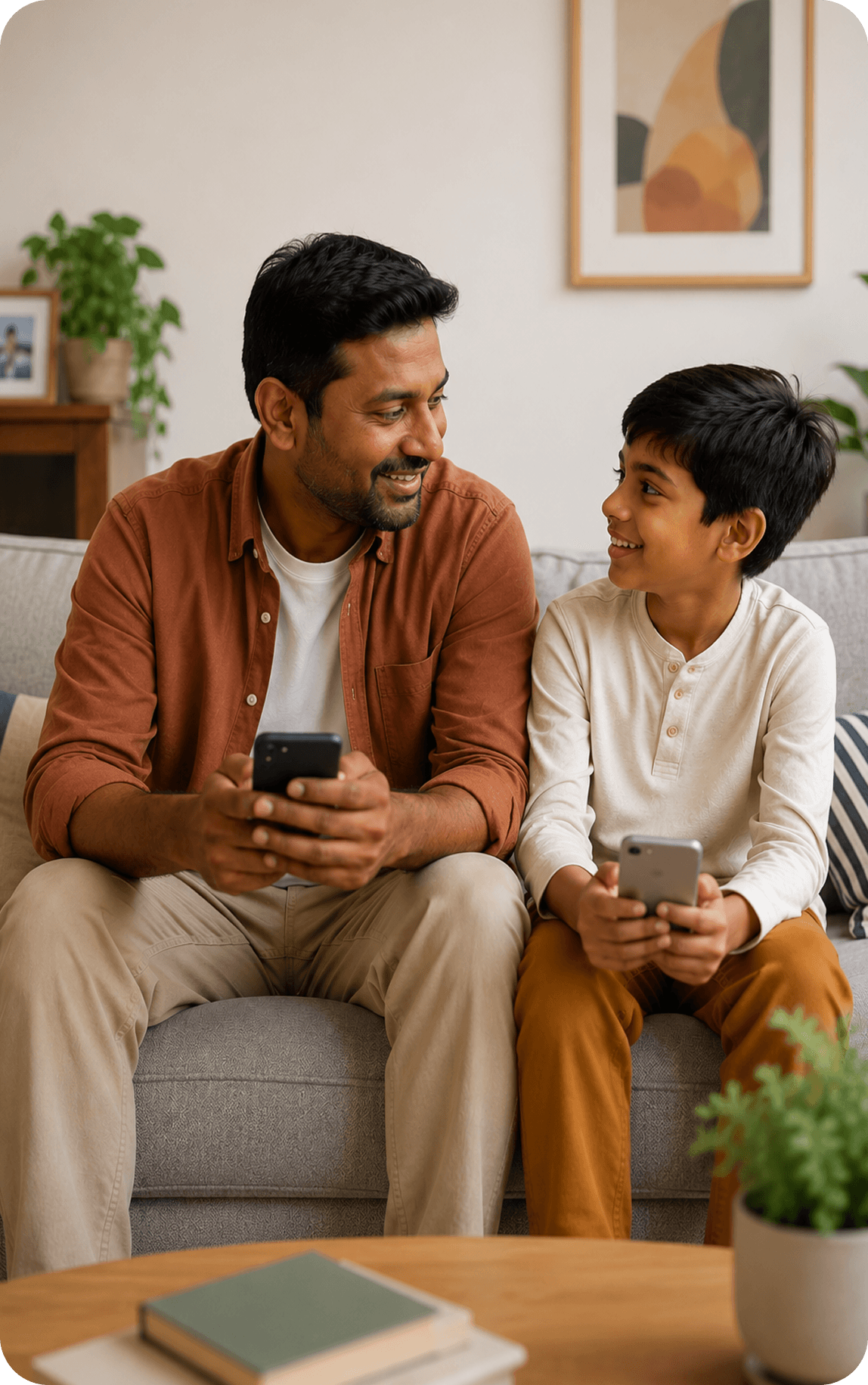
Connect YourChild
Link your child’s phone to your Cybertot parent account.
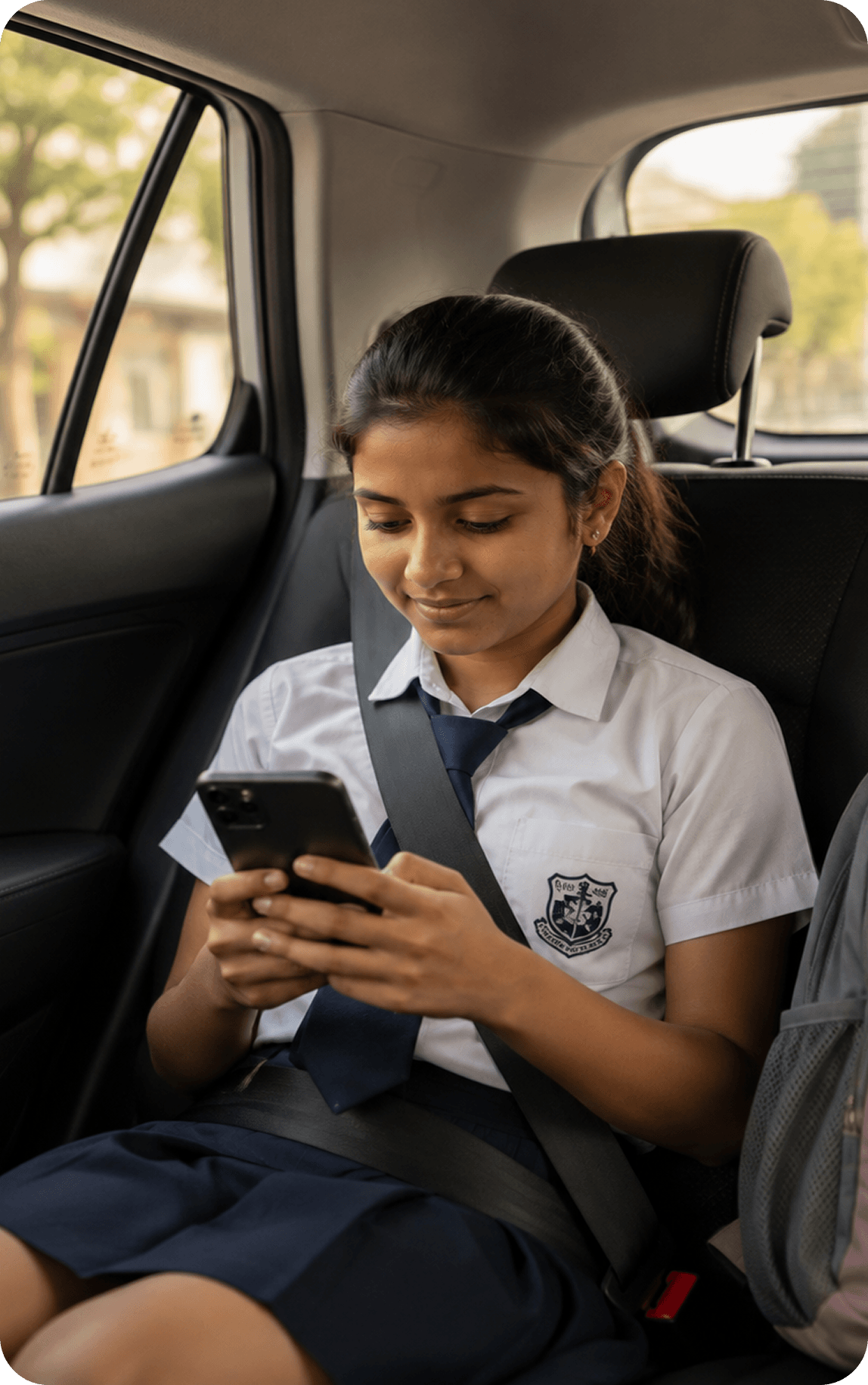
Choose WhatMatters
Set screen time, location, browsing & safety boundaries.
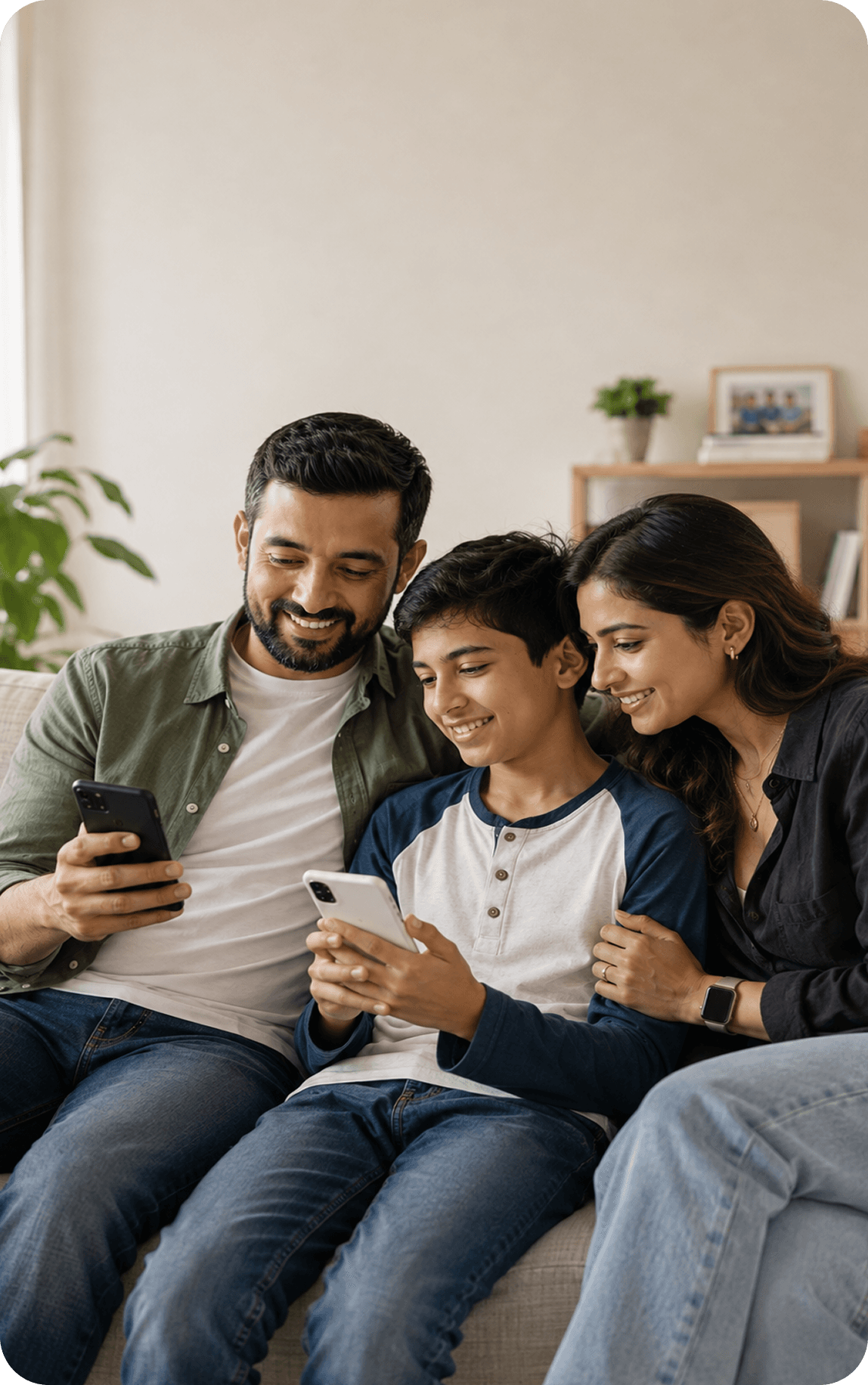
Let CybertotProtect
Cybertot quietly monitors for risks & keeps your child safer.
Stay InformedAlways
Get alerts, without constantly checking your child’s phone.
FAQs
Cybertot is a parenting app that manages your child’s phone so you don’t have to do it manually. It handles screen time limits, app access, content filtering, location updates, and bedtime routines in the background. When something needs your attention, it sends you a notification and keeps you in the know of your child’s day.
Cybertot protects your child in the background, so you don’t have to constantly monitor what they’re doing online.
Content Filters and Safe Browsing automatically block websites with unsuitable content. SMS Link Protection blocks unsuitable links sent through text messages, while New Contact Alerts let you know when a new contact is added. You can also use Restricted Sites to block specific websites yourself. These protections work automatically on your child’s device, keeping unsuitable content and links out without requiring you to check everything yourself.
Cybertot handles the everyday protection. You stay informed and decide what needs your attention.
Kids spend a lot of time online: learning, playing, connecting. Most of what happens on a child’s phone is invisible to the parent. New contacts, suspicious links, or excessive time spent on one or more apps. With Cybertot, you can set your own filters and block any app or website you do not want your child to access.
Cybertot is built for families with children aged 8 to 14, when independence is growing. It facilitates guidance from when a child is given the phone for a few hours to when they own a phone as their device.
Yes. The Cybertot: Parental Controls app is available on Android and iOS. The Cybertot: Kids app is currently available on Android; iOS child app coming soon.
Absolutely. Three steps and you’re up and running.
Download Cybertot from the Play Store or App Store.
Complete your sign-up.
Scan a QR code on your child’s device and follow the on-screen steps.
Cybertot The app walks you through everything from there. And if anything trips you up, our support team is a message away at support@cybertot.ai.